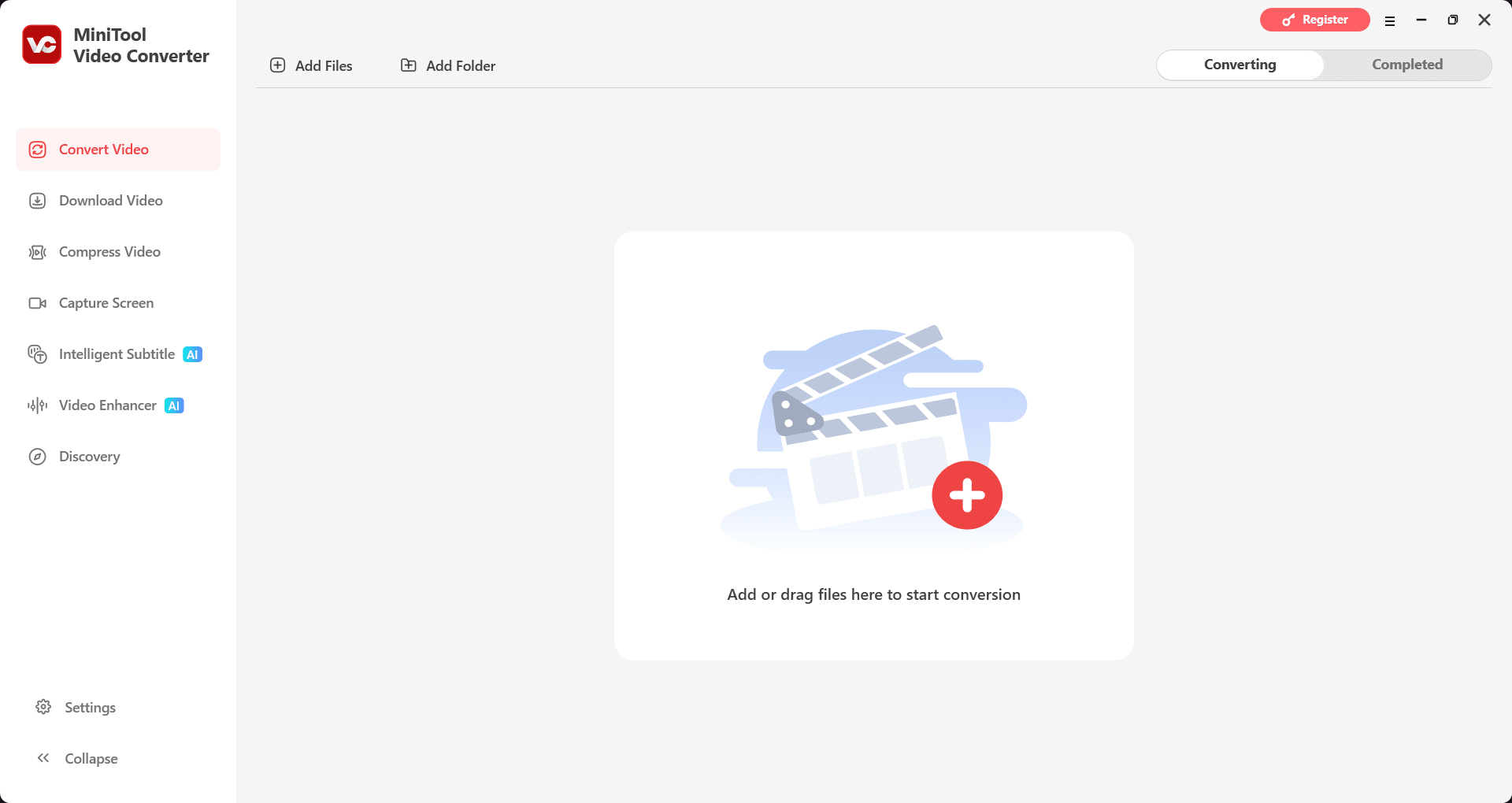
Finding a straightforward, intuitive video converter today usually means sifting through countless bloated apps. MiniTool Video Converter solves this by serving as an all-in-one media utility. It handles audio and video conversions, screen recording, and includes built-in tools for extracting and saving web media.
While web-based converters let you change file formats without installing desktop software, they cannot match the utility, privacy, and speed of a dedicated offline tool.
Format conversions and batch processing
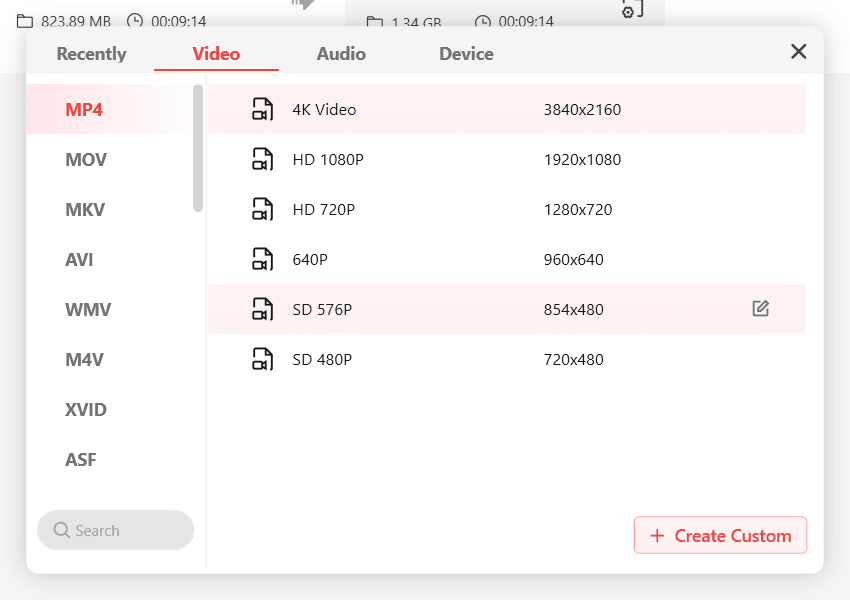
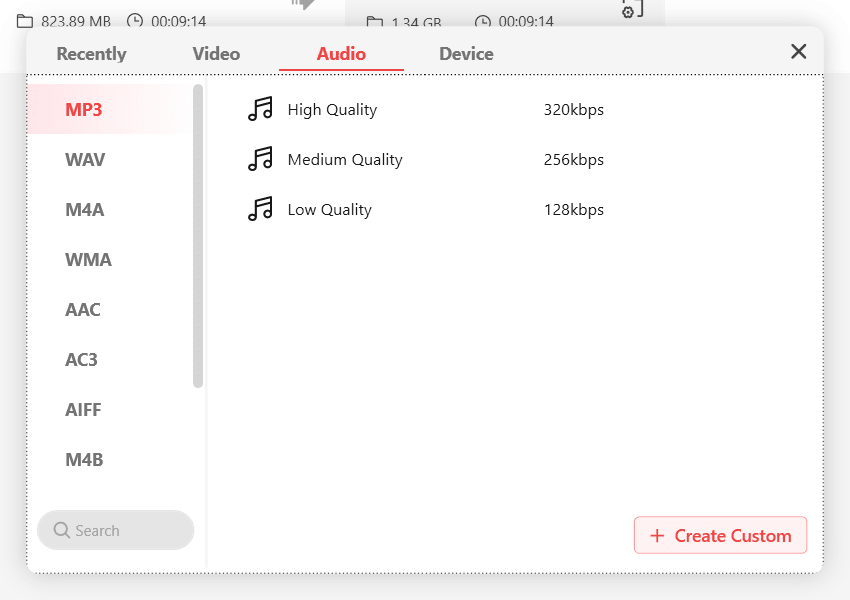
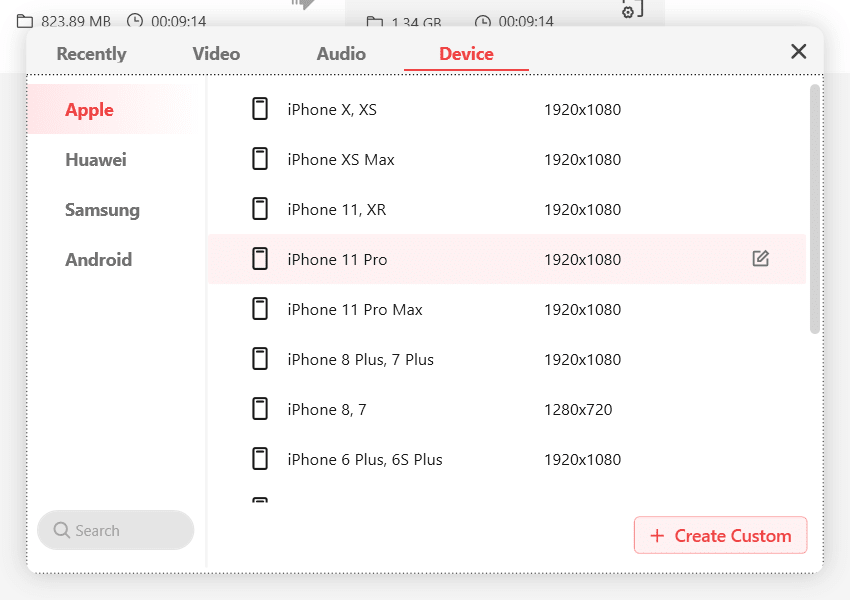
Massive format support drives the core conversion engine. The software handles over 1,000 multimedia formats, covering everything from standard video to obscure audio files. You can simply pick target devices like a TV or mobile phone, or select social media presets, and the application automatically configures the optimal settings.
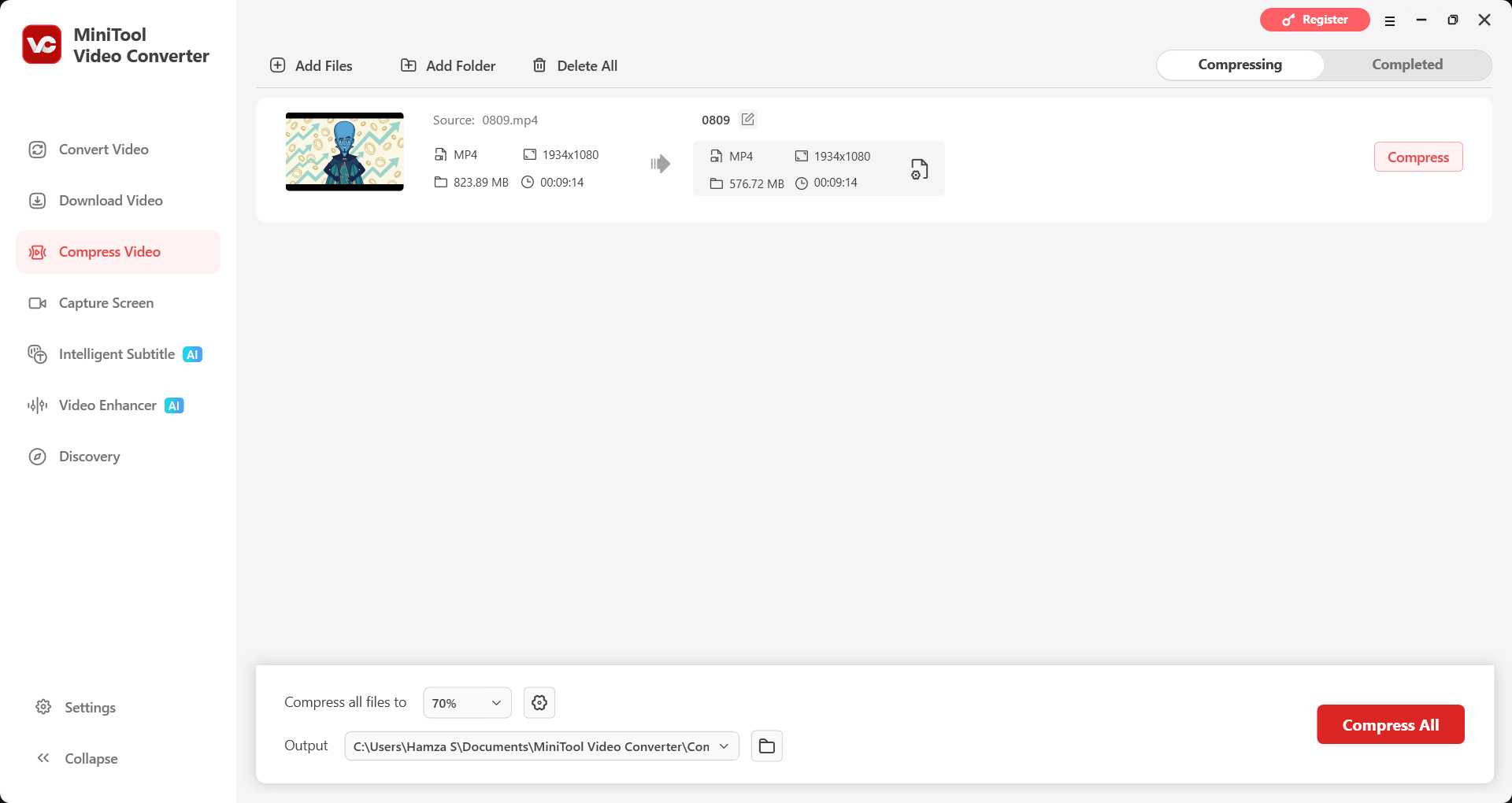
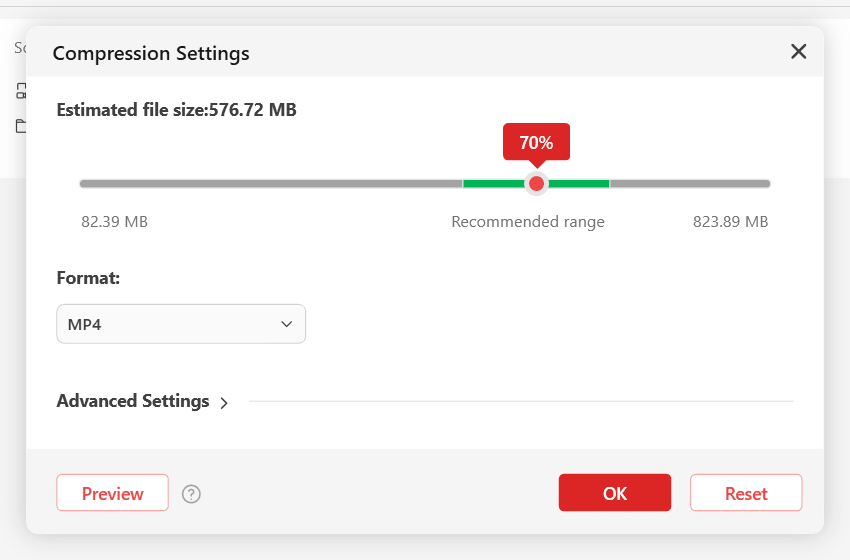
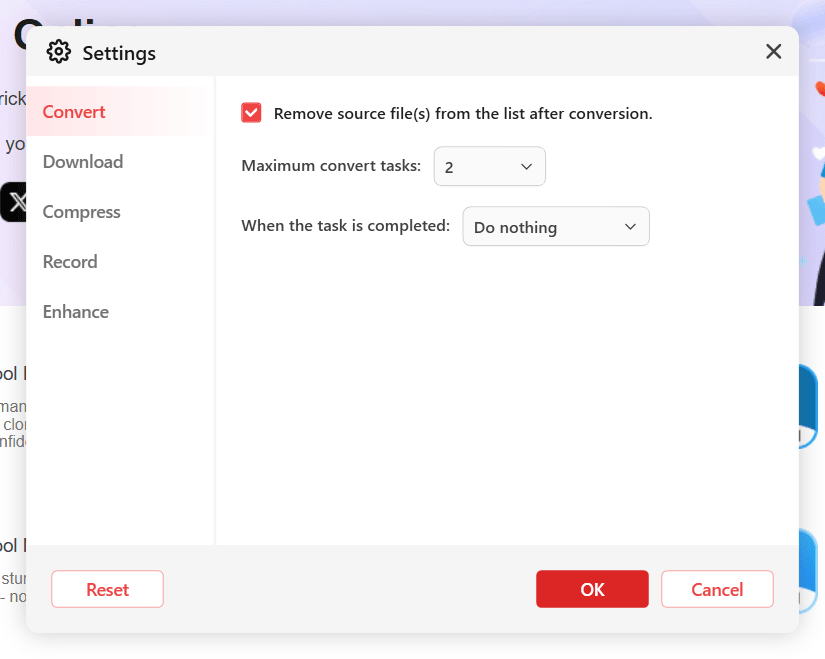
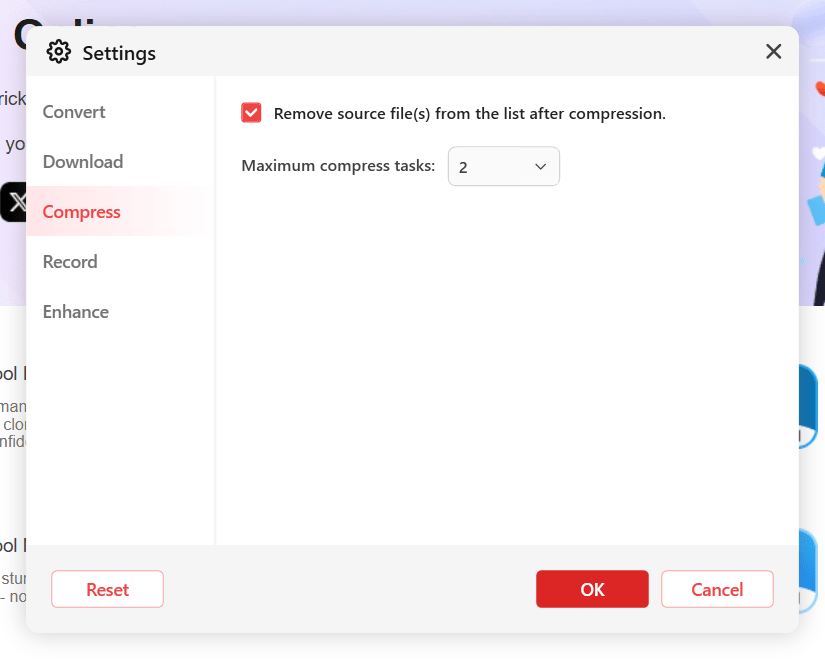
It also supports hardware acceleration. If you have a dedicated GPU, you can tap into that extra power to speed up the conversion process. Batch processing is available to queue multiple files at once, though the free version restricts how many you can process simultaneously.Screen recording and AI tools
A standout inclusion is the built-in screen recorder. You can capture your full screen or a selected region alongside your system audio and microphone input. Unlike most free screen recorders, MiniTool does not stamp a watermark on your captured videos.
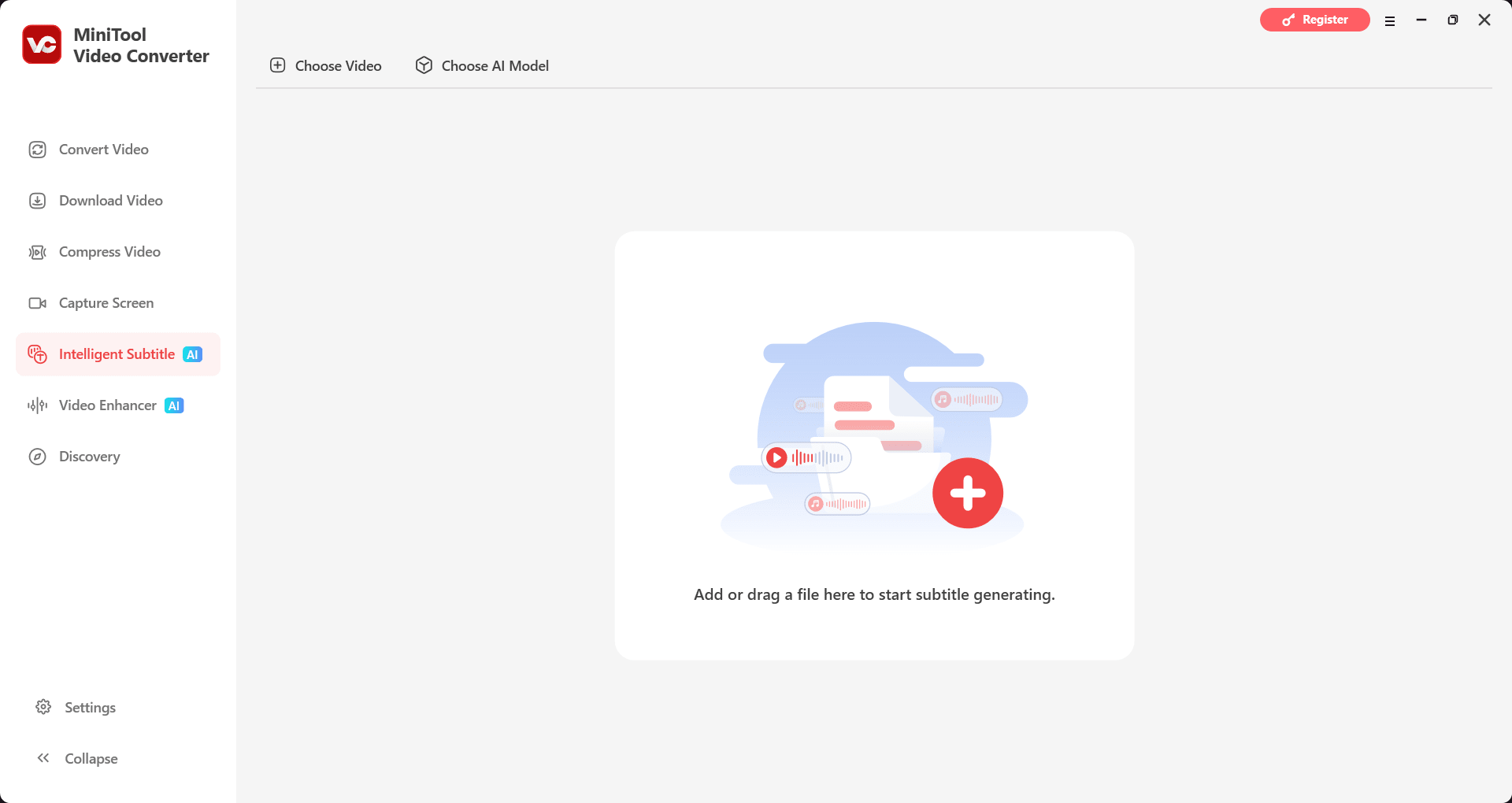
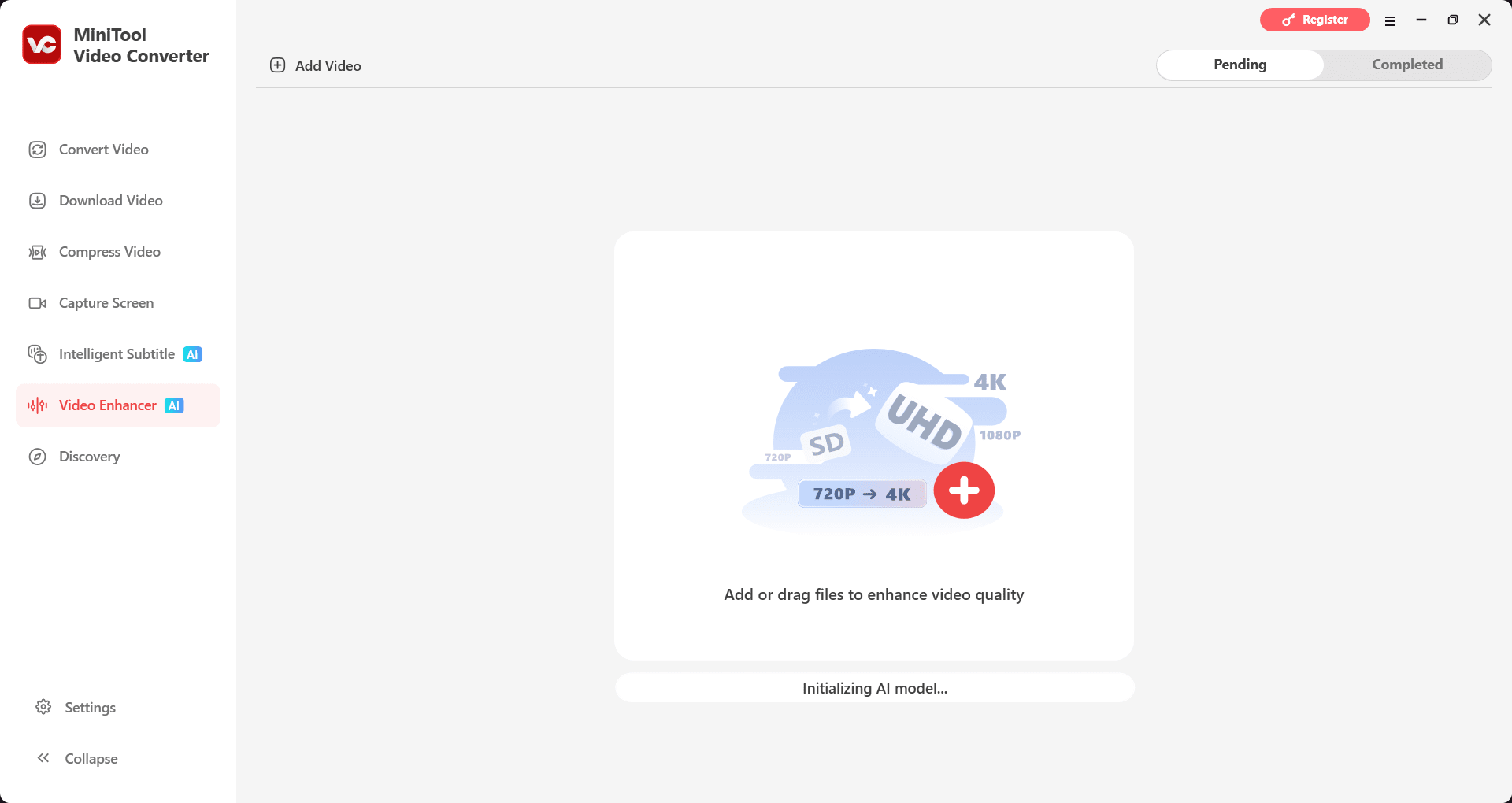
Recent updates introduced dedicated AI tools. The Intelligent Subtitle feature uses AI-powered speech-to-text to automatically generate accurate, editable subtitles from your audio or video files. A new AI Video Enhancer is also available, allowing you to upscale low-resolution footage, sharpen details, and reduce visual grain.Pricing and availability
MiniTool Video Converter operates on a freemium licensing model. For casual usage, the free tier is highly capable. However, it imposes limits on web media extraction, restricts simultaneous batch processing, and limits access to advanced AI features.
Unlocking unrestricted batch processing and media saving requires upgrading to a premium plan. Paid options are available as recurring subscriptions. Because the final cost depends on the tier chosen or active promotions, you should check the official website for current rates.A versatile toolkit for Windows users
MiniTool Video Converter is a highly practical utility to keep on your Windows PC. It handles straightforward file conversions reliably and throws in a totally free, watermark-free screen recorder as a major bonus. While the free tier limitations on batch processing and online fetching can frustrate power users, the software remains an excellent, fast-performing choice for casual users and social media creators.